Build real AI agents.
Earn XP. Level up.
25 guided Artificial Intelligence (AI) agent build sessions across every department. Copy-paste prompts, step-by-step builds, and a portfolio write-up — so you ship something real every session.
How it works
Three steps from zero to portfolio-ready agent
Pick a session
25 guided builds across Builder 1 and Builder 2. Each has a time estimate and clear outcomes.
Paste into Claude
Every build ships ready-to-use prompts. No blank page — open Claude, paste, iterate. You'll need a paid Claude account (Claude Pro or higher) to complete the builds.
Ship to portfolio
Each session ends with a write-up prompt: LinkedIn post, resume bullets, project blurb.
Two ways to build with AI
Pick the path that fits — automate real work, or ship your own web app from scratch
Build AI agents for real work
25 guided, self-paced builds — Gmail triage, WhatsApp bots, invoice processing, and more. Ship a portfolio of working agents.
- Self-paced, 6 months access
- Runs on your own free Gemini key
- Portfolio write-up every session
Build your own web app with AI
4 weeks, 8 live classes. Go from an idea to a deployed website, web app, and AI-powered product — no coding experience required.
- Live instructor-led classes
- Portfolio site, to-do app, Supabase CRUD app + more
- Certificate of completion
Before you start
What you actually need — no surprises after checkout
No prior coding experience required
Every build ships copy-paste-ready prompts — you're directing Claude, not writing code from scratch. Basic comfort with a browser and copy-paste is all you need to start.
A paid Claude account
You'll need Claude Pro or higher to complete the builds — Claude's free tier runs out of usage mid-session. That's billed separately by Anthropic, on top of your one-time course payment.
A few Builder 2 sessions need their own API key
A handful of advanced builds connect to a third-party service — Pinecone, HubSpot, DataForSEO — to do their job. Most have a free tier that's enough to complete the session; each build tells you exactly what it needs before you start.
What you'll actually walk away having built
Real agents from the catalog — not a topic list, a portfolio
A personal inbox agent
Triages your inbox and drafts replies before you even open it — start the day at zero, not 200 unread.
A daily briefing agent
Turns raw meeting notes and industry noise into a clean summary waiting for you every morning.
A customer-facing bot
A real bot your customers message directly on WhatsApp — live and answering, not a demo.
A RAG-powered support agent
Feed it your own docs and past tickets — it answers customer questions accurately, not generically.
Business automation agents
Agents that chase stale deals and write personalized outreach, so nothing falls through the cracks.
What you'll build, week by week
Builder 1's first month, mapped out — each week has one main project and two optional ones
Info & briefing agents
Main build: Daily News & Industry Summary Agent
3 sessions this week
Document processing
Main build: Meeting Notes Formatter Agent
3 sessions this week
Inbound triage & lead handling
Main build: Gmail AI Triage Agent
3 sessions this week
Customer-facing messaging
Main build: WhatsApp Auto-Reply Bot
3 sessions this week
Browse by department
View all →Most popular sessions
Customer Support RAG Bot
Upload your docs, FAQs, and past tickets — the bot answers customer questions accurately using only your real documentation.
CRM Lead Follow-Up Agent
Monitors HubSpot for stale deals, writes personalized follow-up emails using full deal context, and saves them as drafts.
SEO Content Writer Agent
Input a keyword — the agent researches top-ranking articles, finds content gaps, and writes a fully SEO-optimized long-form article.
Code Review Agent
Automatically reviews every new GitHub pull request for bugs, security issues, performance, and readability — then posts inline comments.
It's not just a self-paced library
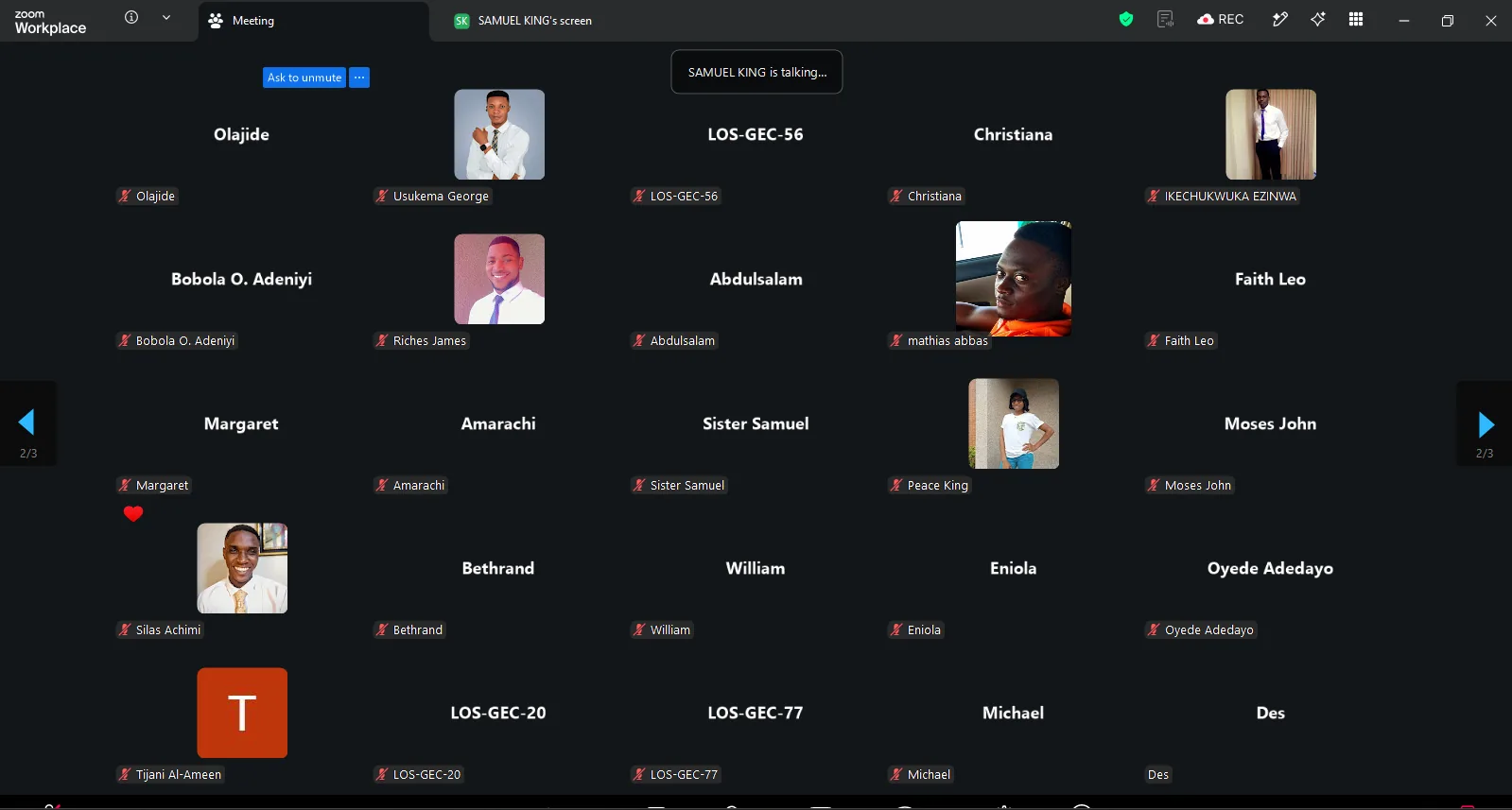
Every cohort gets scheduled live sessions — walkthroughs, office hours, and Q&A on Zoom — on top of the self-paced builds. Can't make it live? Every session is recorded and added to your replays.
Next cohort starts 12 September
Builder 1 — Week 1 walkthrough
Builder 1
Builder 2 — Office hours
Builder 2
Social Dev Builders
128 members
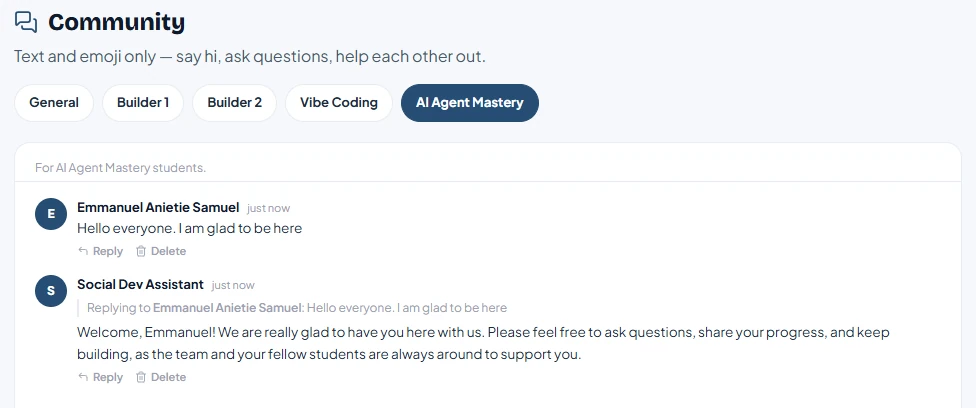
Stuck on a build? You're not on your own
Every student gets added to our WhatsApp community — ask questions, share what you've shipped, and get unstuck from other builders (and us) the same day, not a forum post that sits unanswered for a week.
Get started →What people are saying
“Social Dev Technologies has the best experience for learning, it offers quality service and you get to interact with developers who have the same goal — to achieve great things. Social Dev Technologies is the full package and no one should miss this. You're looking for a Dev company? Social Dev Technologies is it!”
“Social Dev Technologies was a dream come true for my business. They helped project manage and build out my website. They made it SEO friendly and put my business on the map... Very nice customer service and top notch delivery.”
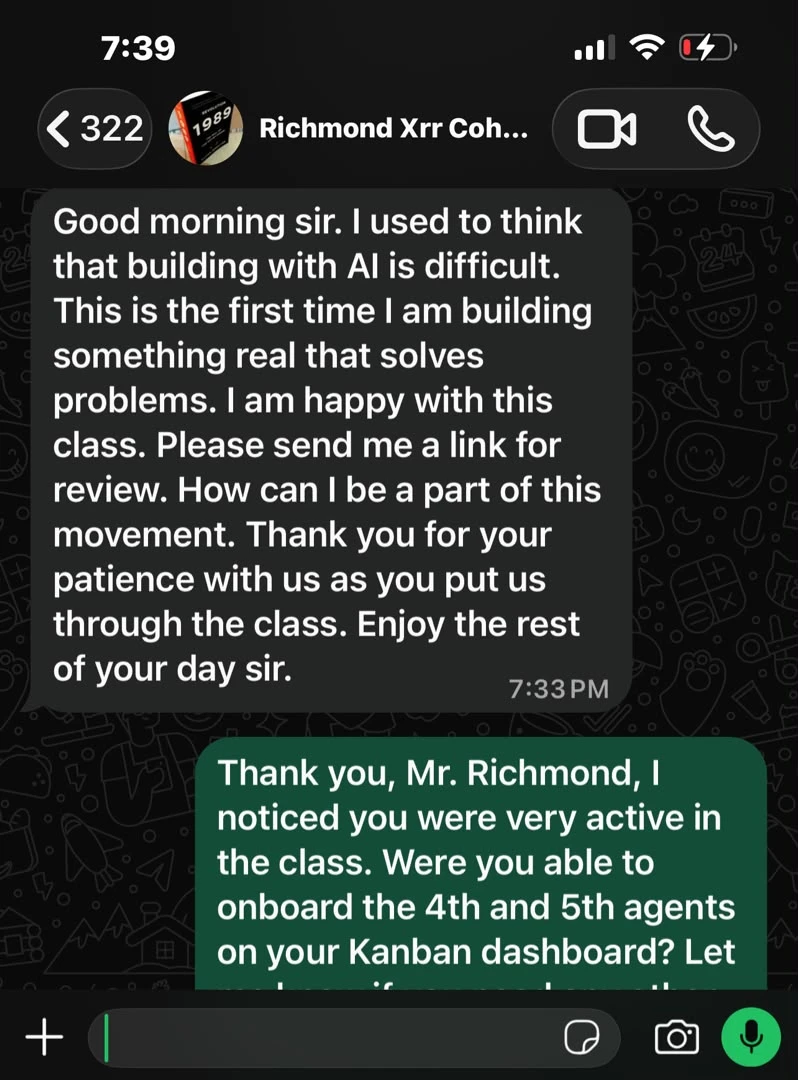
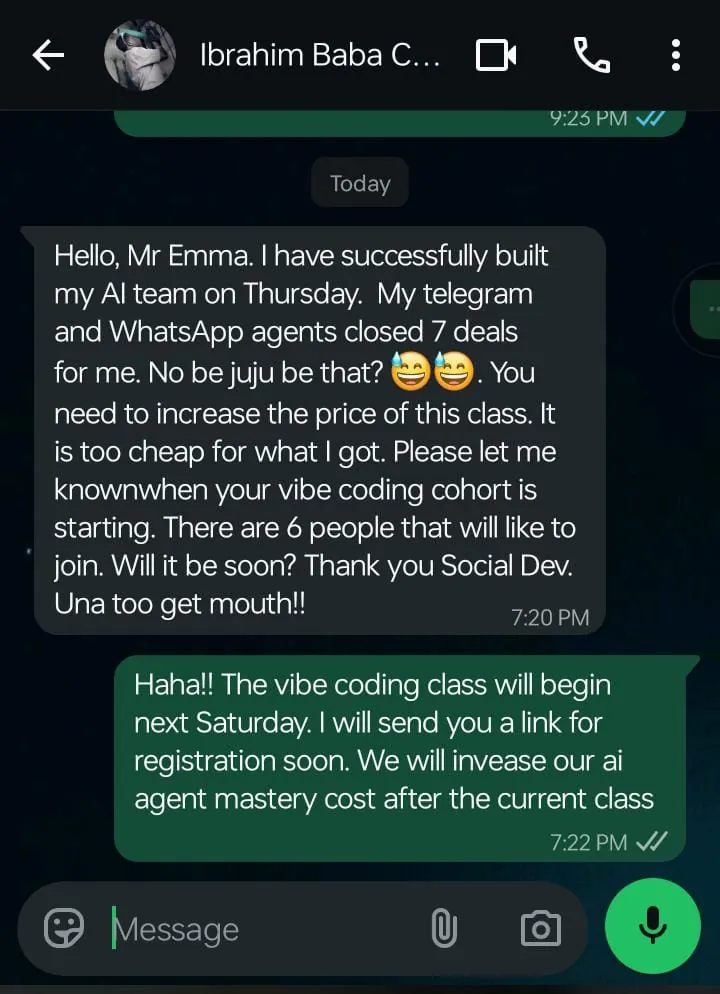
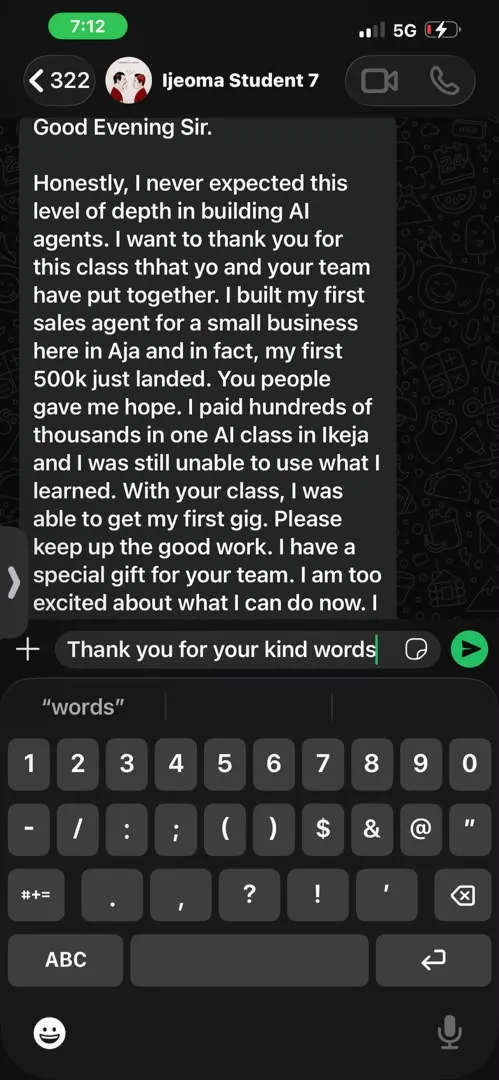
“This was the best AI course I have seen. The instructor was super helpful too.”
“When I enrolled in Social Dev Technologies, I had no clue what programming was all about, but now, I can code and my learning experience has been so wonderful... Social Dev Technologies has created a career path for me that will change my life forever.”
“Their service was top notch. Looking forward to working with them again.”
“This is a great place, it has helped me to further learn coding and build my own website. I would highly recommend Social Dev Technologies to potential clients. You don't want to miss their services.”
Unlock all 25 sessions
Get Builder 1, Builder 2, or both bundled as Pro — every plan is a one-time payment for 6 months of access.